
Coursework – Spring 2022
A Cockpit For Near-Future
‘Near Future’: for the next 5-10 years
Technology:
Driving Assistant
Self-Driving under Supervision
Electric View Mirror
Design Trend:
Larger Screen
Touch Interaction
Yoke Steering Wheel
Entertainment:
Media Consumption
What’s Good:
L2+ Self Driving
Larger Screen
Media Streaming
Electric View Mirror
What’s Bad:
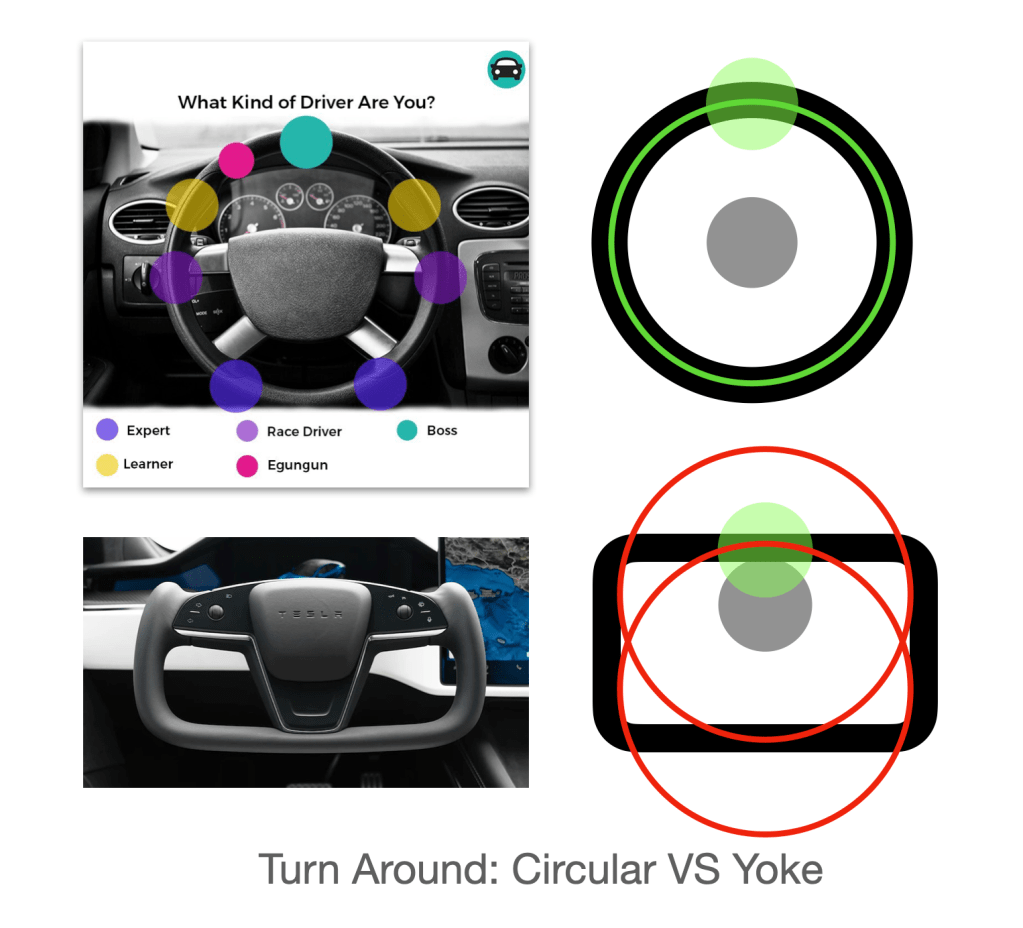
Yoke Steering Wheel
Yoke forces the driver to hold the steering wheel at a fixed location. Otherwise the center of arm’s circular movement will offset the steering wheel’s center point.Touchscreen Input
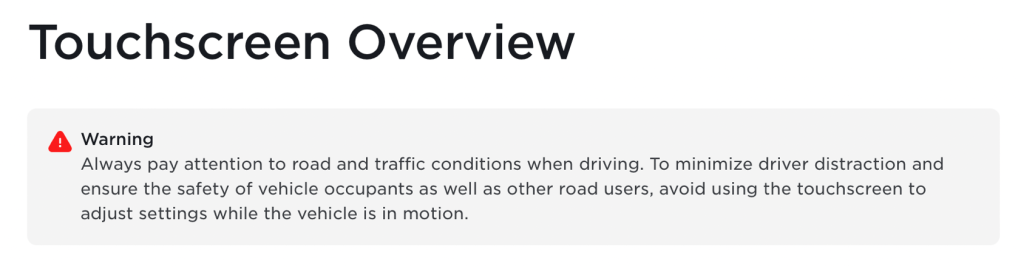
Tesla reminds drivers not to use the touchscreen when driving, despite the Model 3, Tesla’s best-selling model, removes all buttons and the dashboard.Dashboard Removal
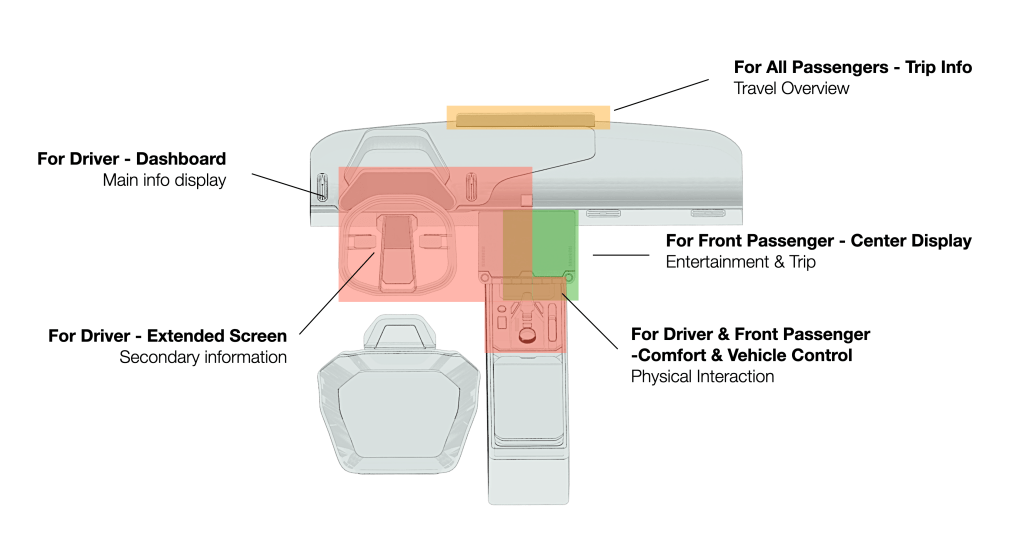
Layout Overview
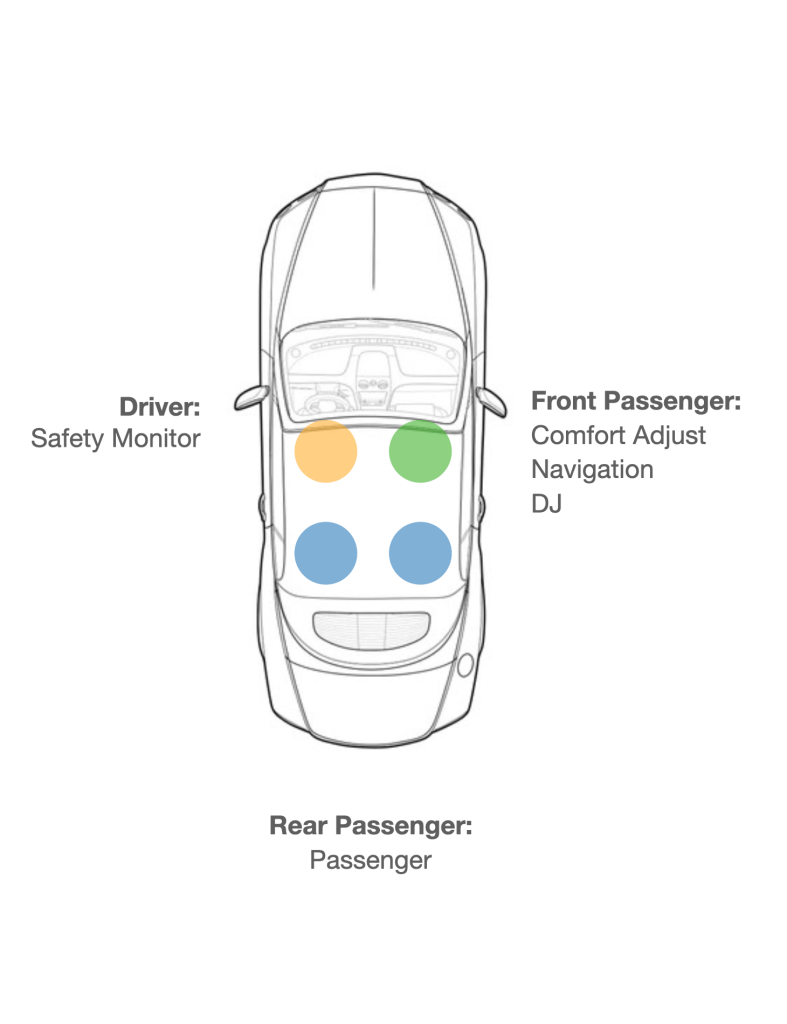
Beyond the Driver: Passengers play different roles in the vehicle
Besides the driver, front passenger usually functions as a co-pilot to input the complex commands such as searching on map or finding a song. The interface is for both the driver and the front passenger.
Rear passengers, though are mostly not related to human-car interaction, usually acquire information about the trip, such as entrainment, comfort, and trip info.
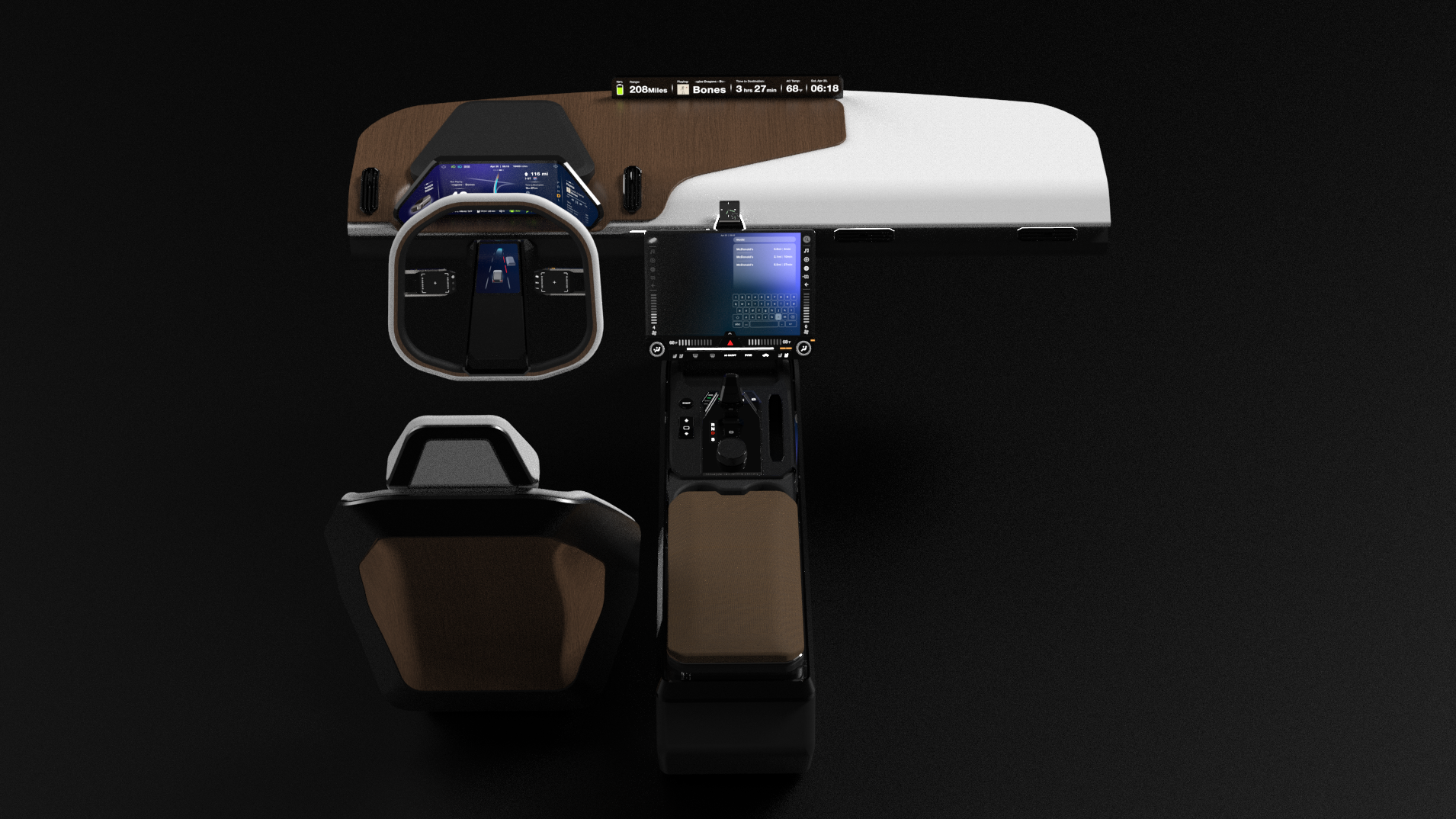
A Multipurpose Dashboard
Curved Display for More Information
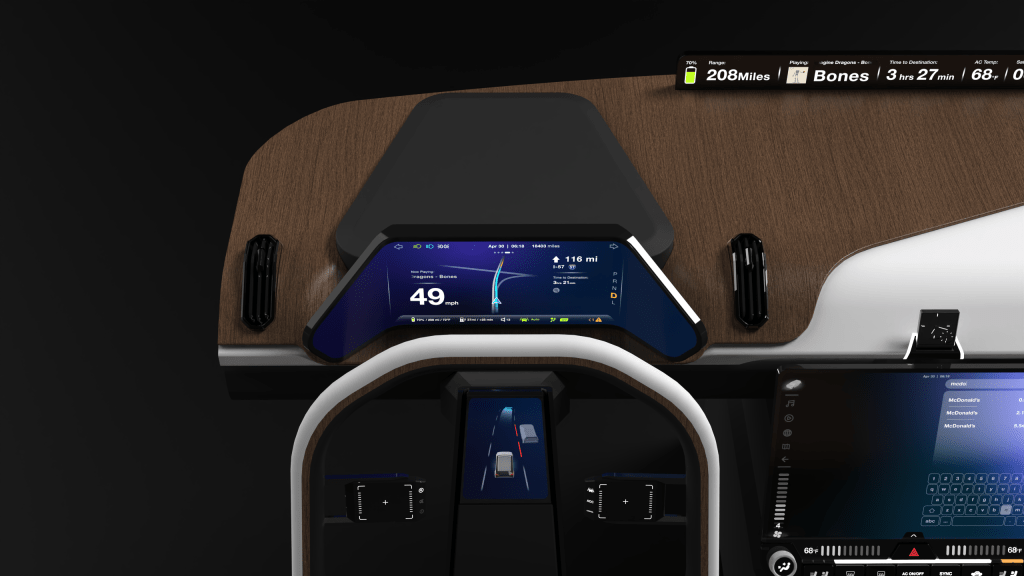
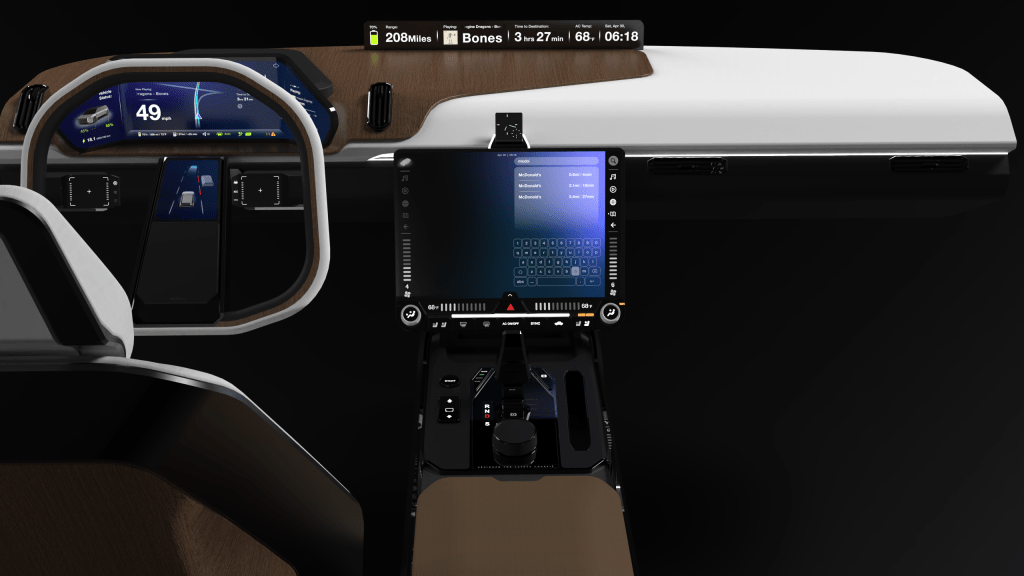
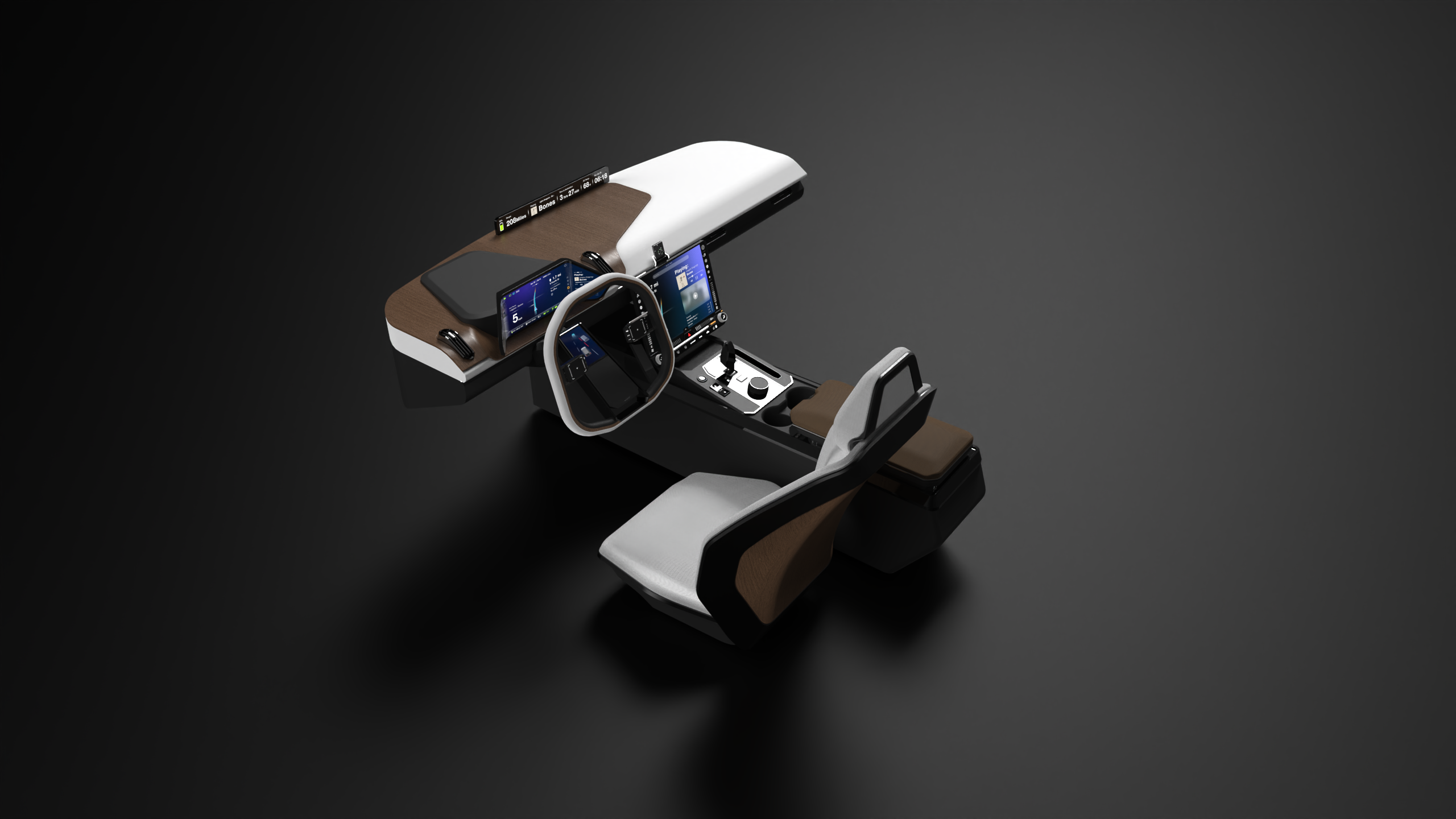
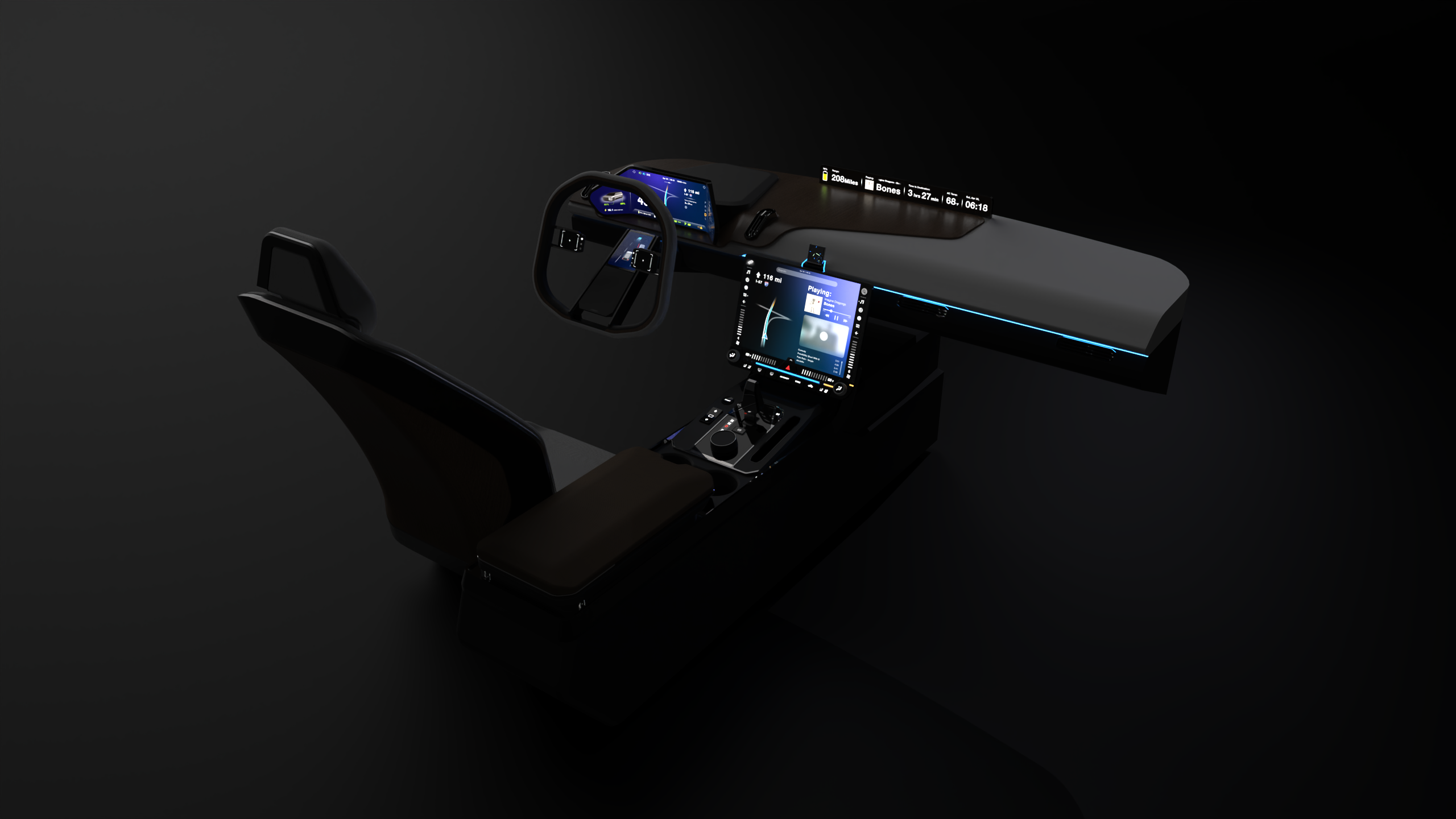
The dashboard is large and curved to maximize the display area. The curvature physically divides the screen into three parts. Derived from conventional dashboard, the curved design provides more space for information. Drivers can customize the category and density of the information. It also provides more natural perspective when viewing panoramic content.
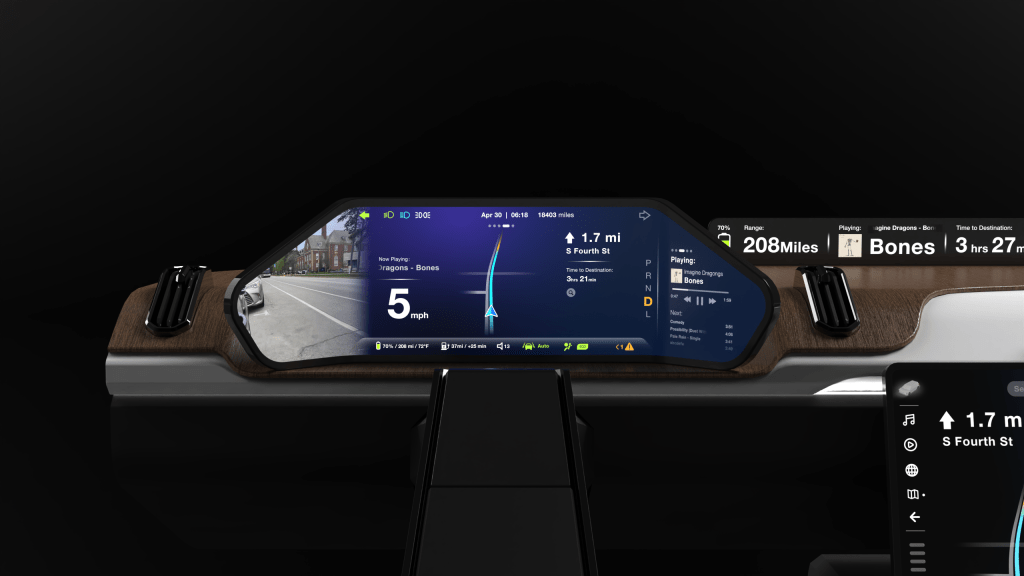
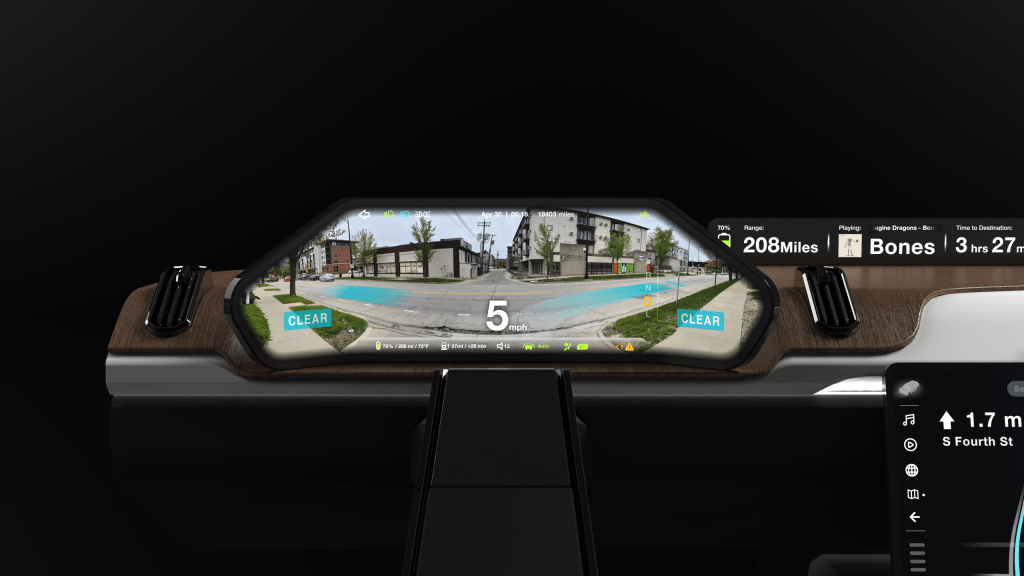

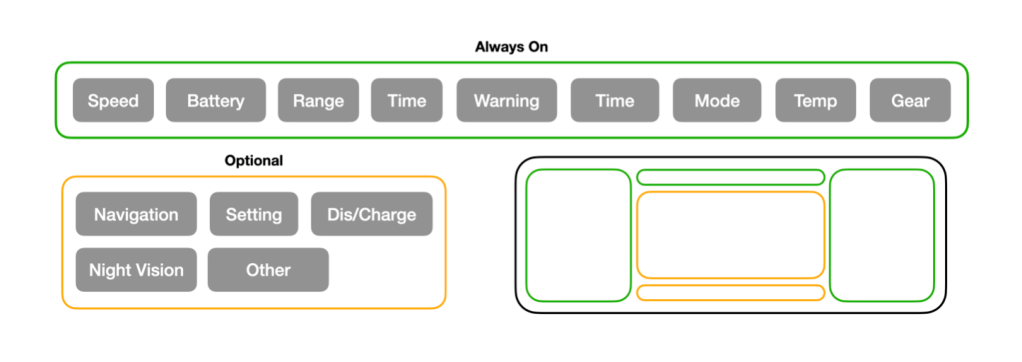
Display Extended
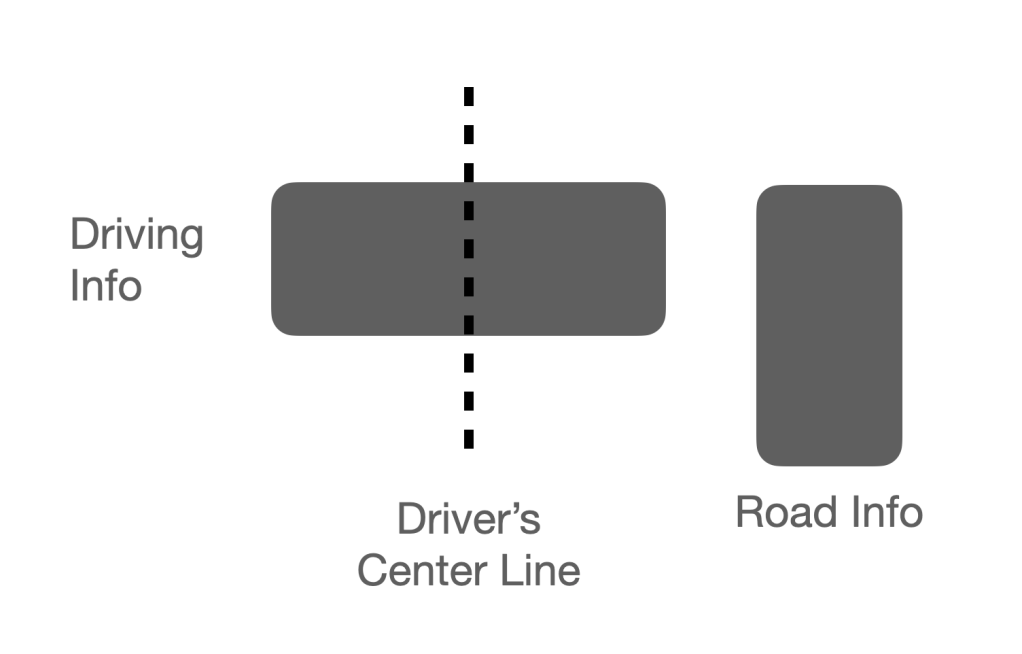
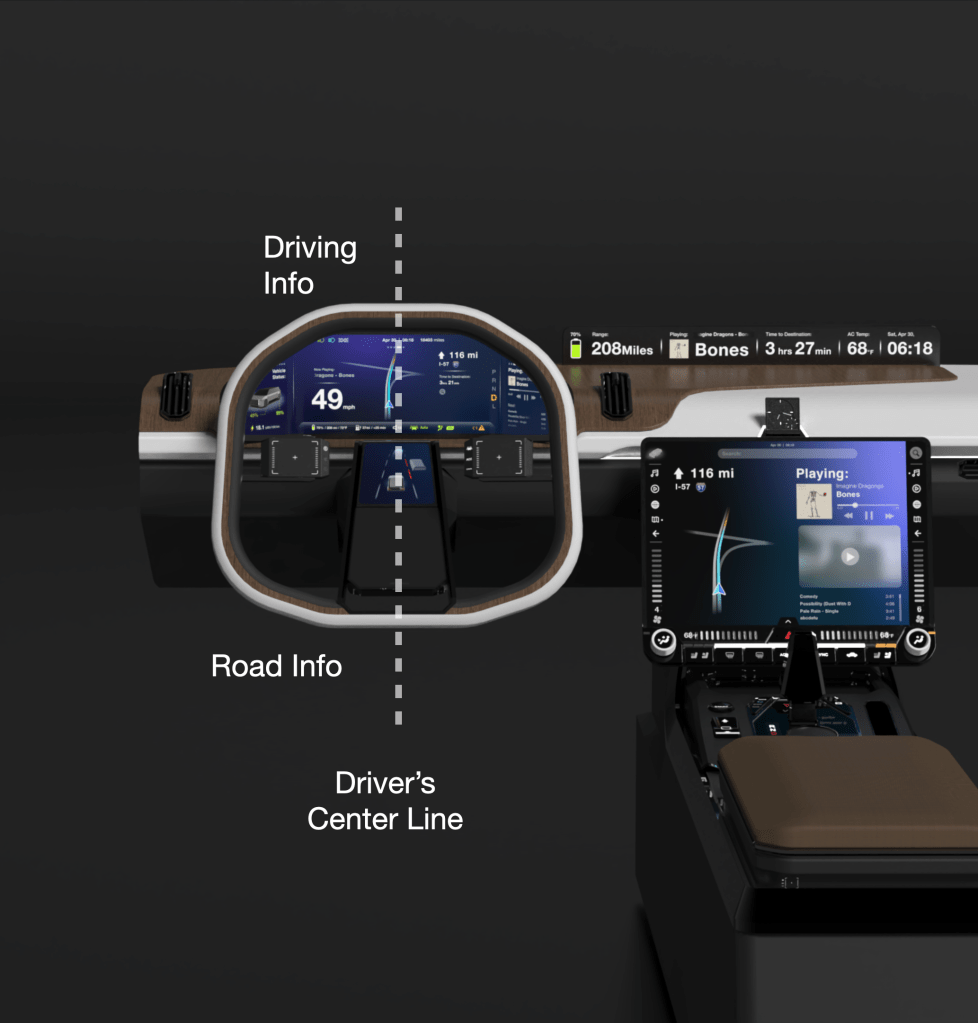
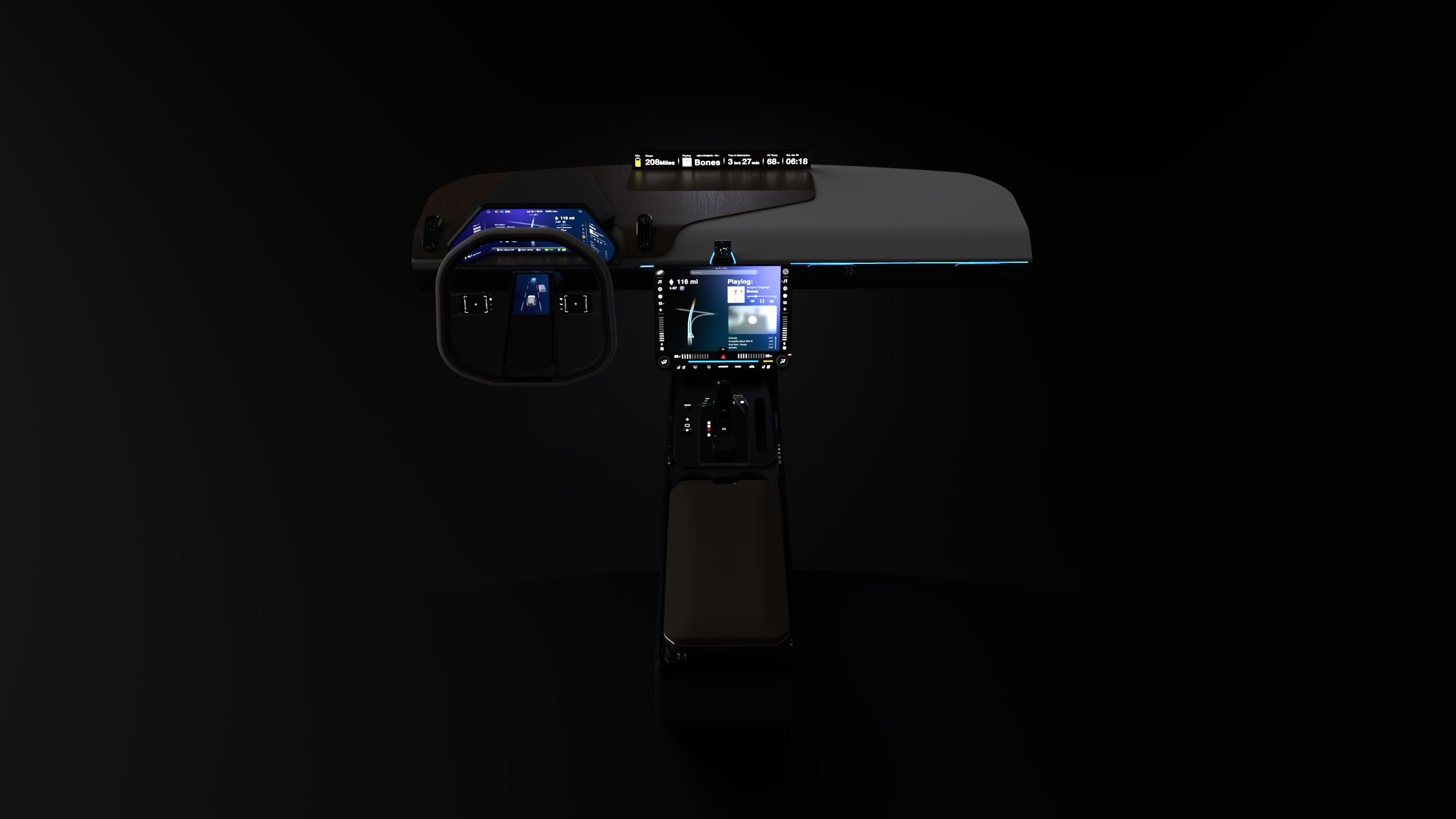
All safety information is placed in front of the driver aligned on the same center line.
Mixed Interaction
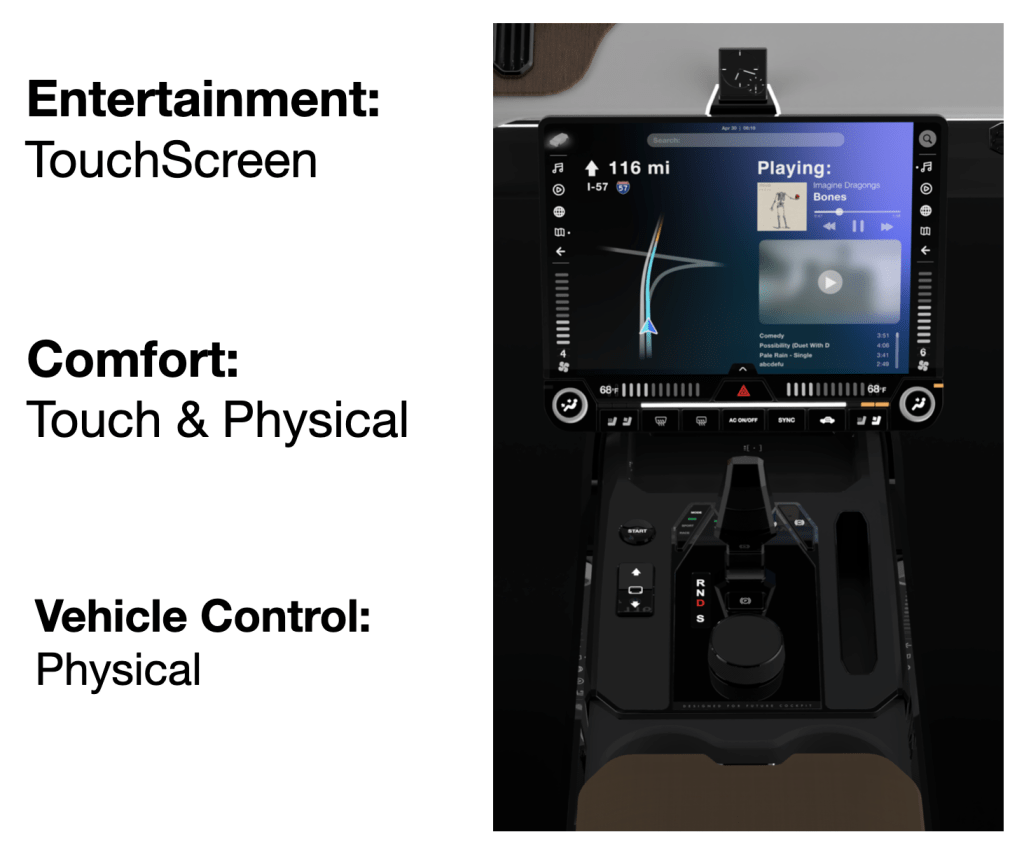
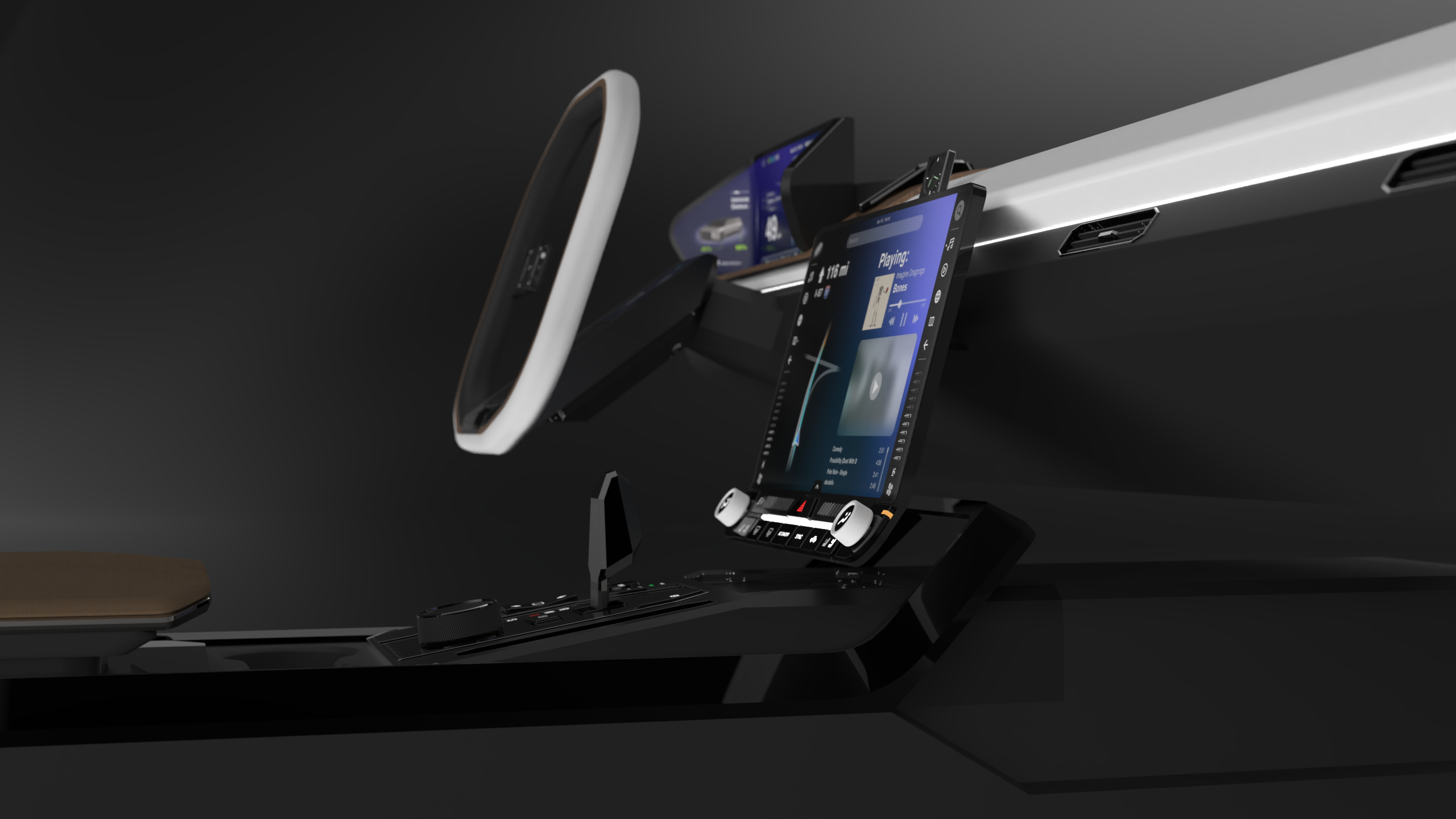
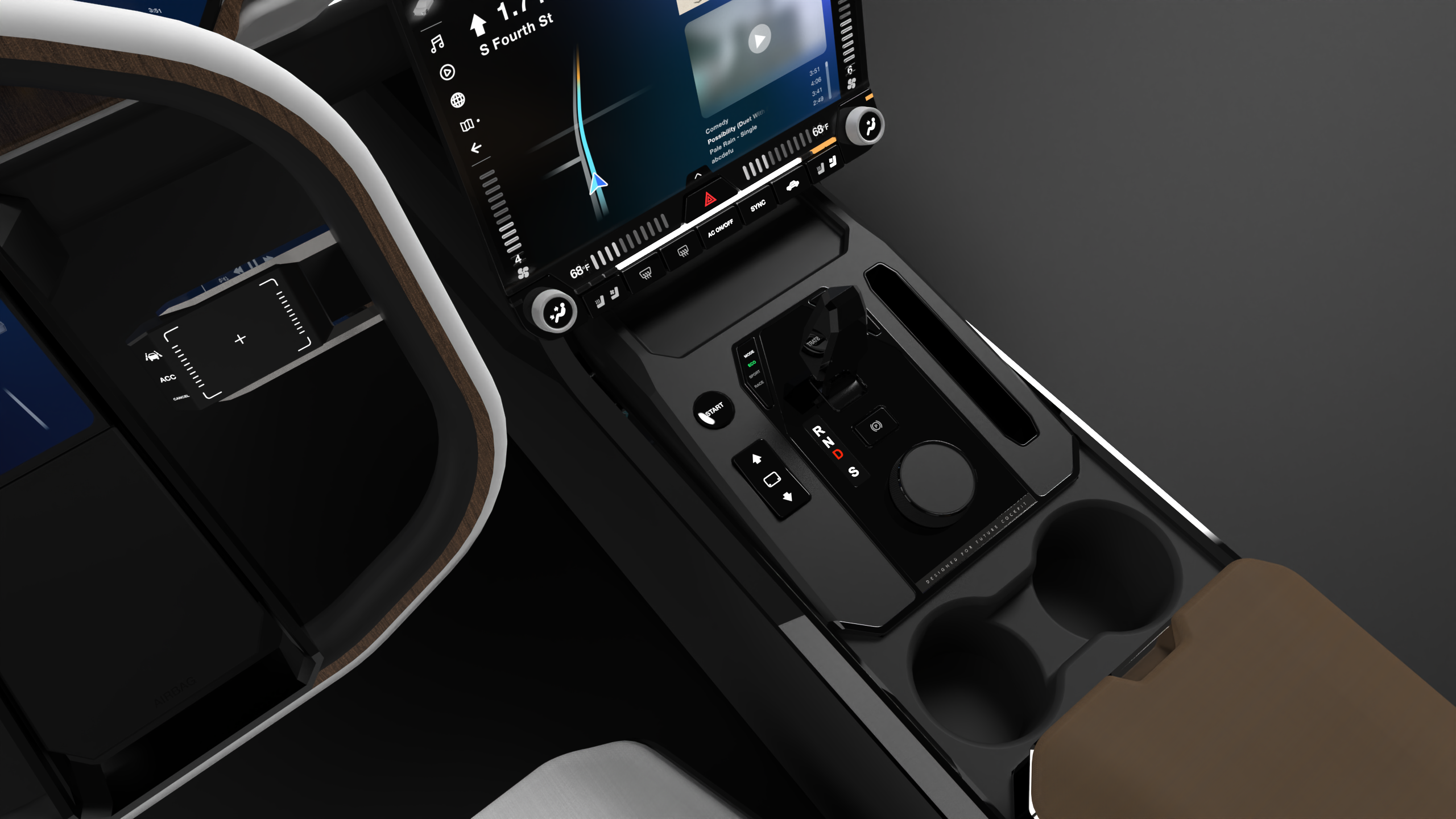
From up to below, the center dash includes entertainment, comfort control, and vehicle control zones.
Read More
The entertainment is fully touchscreen, since it is usually controlled by front passenger rather than driver during manual driving and monitoring. The driver side of the screen is grayed out by default because driver can view info and control cars through dashboard and steering wheel controller.
Swipe to Adjust
Feeling the bump and the haptic
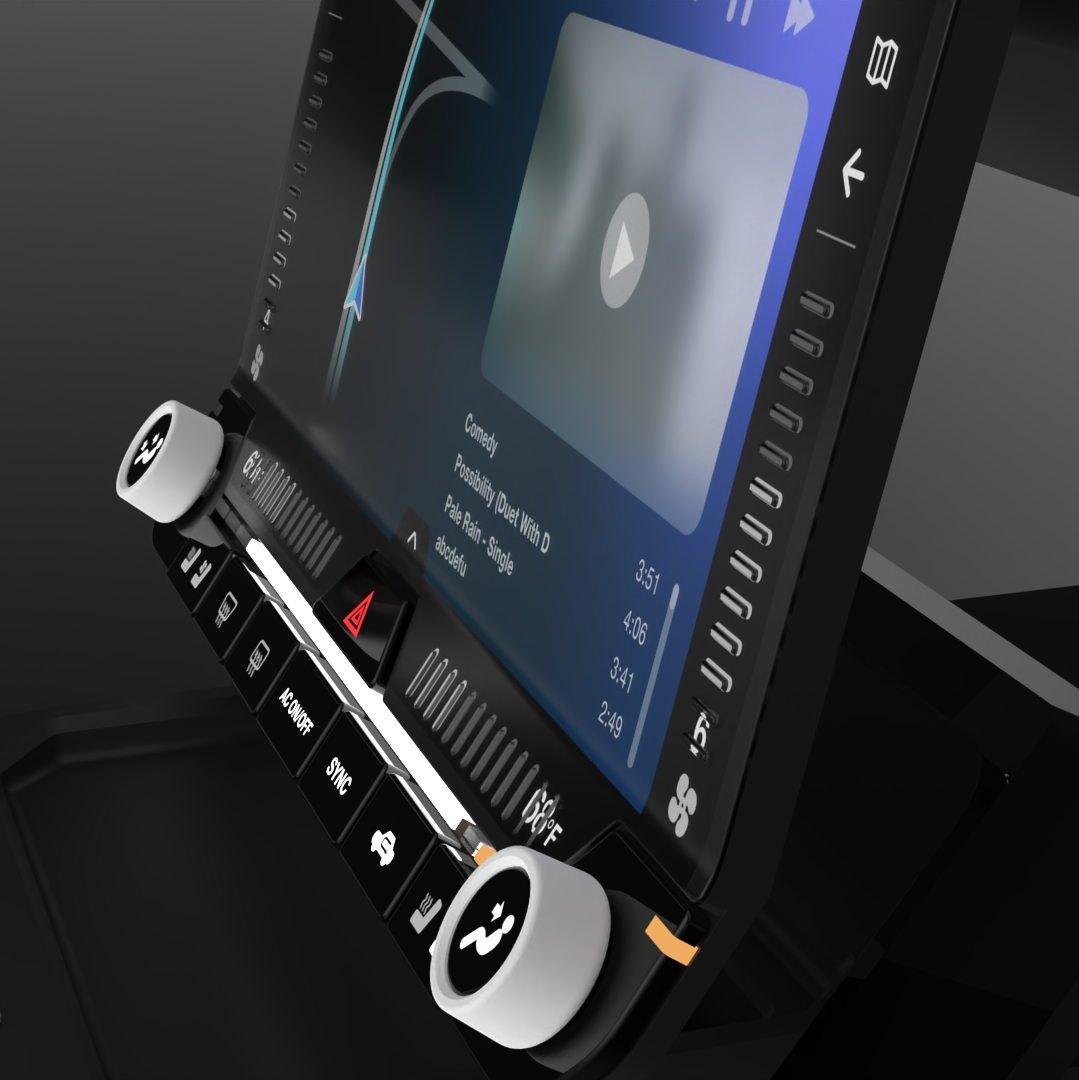
Comfort control is a mix of physical and virtual control. All On-Off input is in the form of buttons, and all adjustable setting, including volume, fan mode, fan power, and temperature is in three distinct interaction ways for the confidence of bind control:
Volume: Dial control
Fan Mode: Button to select
Fan Power: Vertical swipe on physical bumps with haptic feedback
Temperature: Horizontal swipe on physical bumps with haptic feedback
Read More
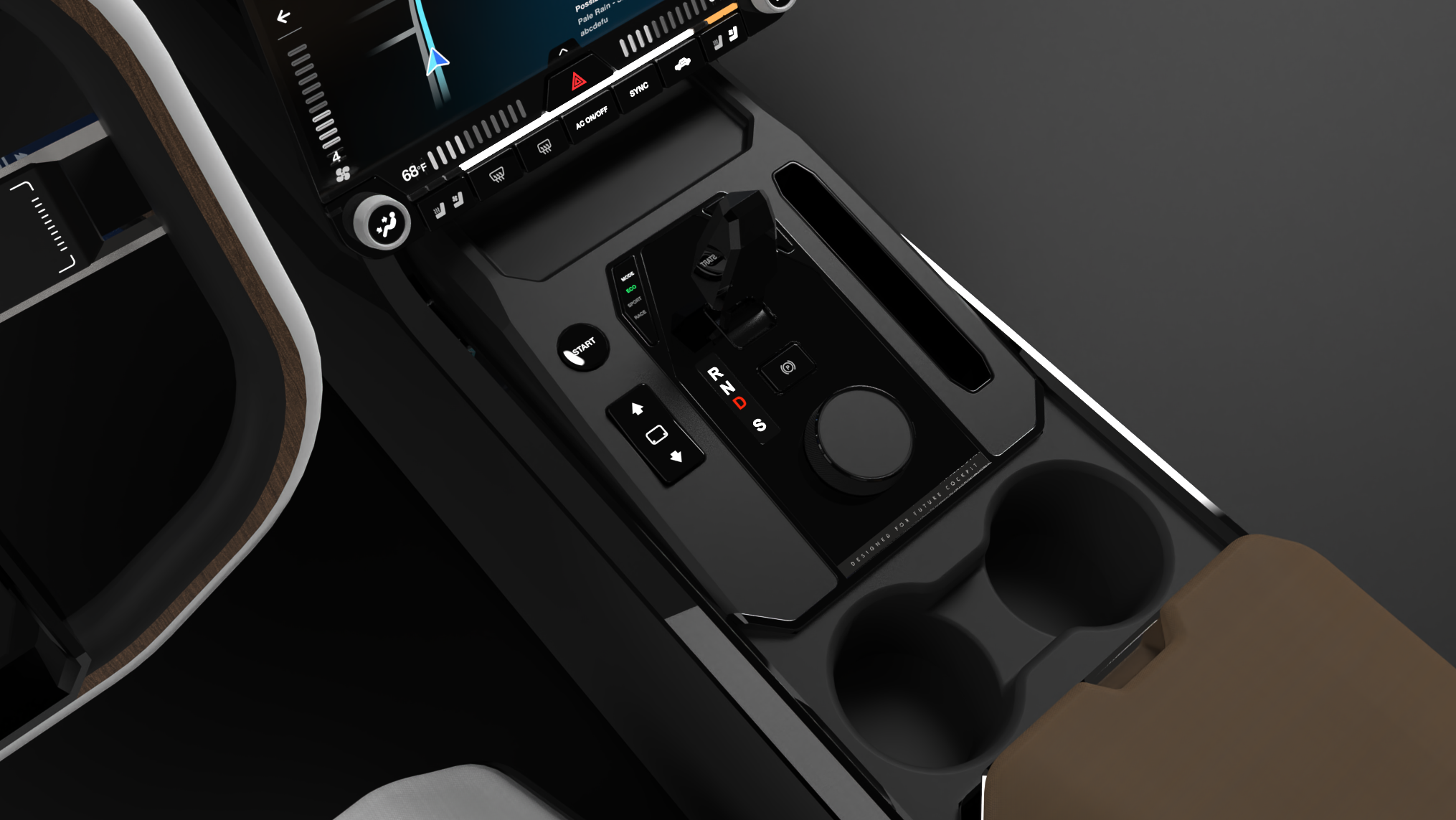
The vehicle control zone remains similar to conventional design: physical buttons, a gear shift stick, a dial-touchpad, and, of course, two cup holders.

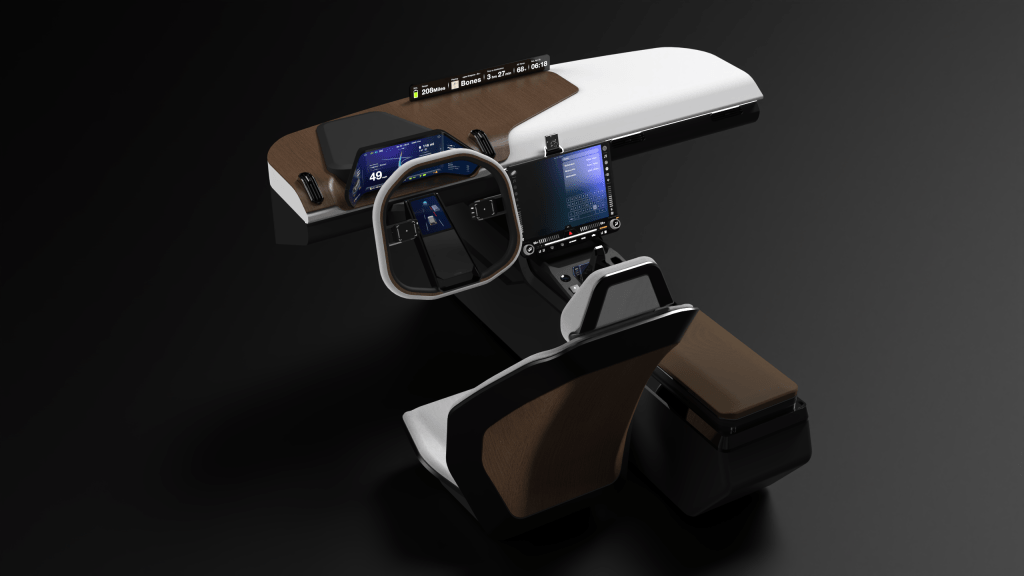
The center screen raises and lowers for driving/riding.
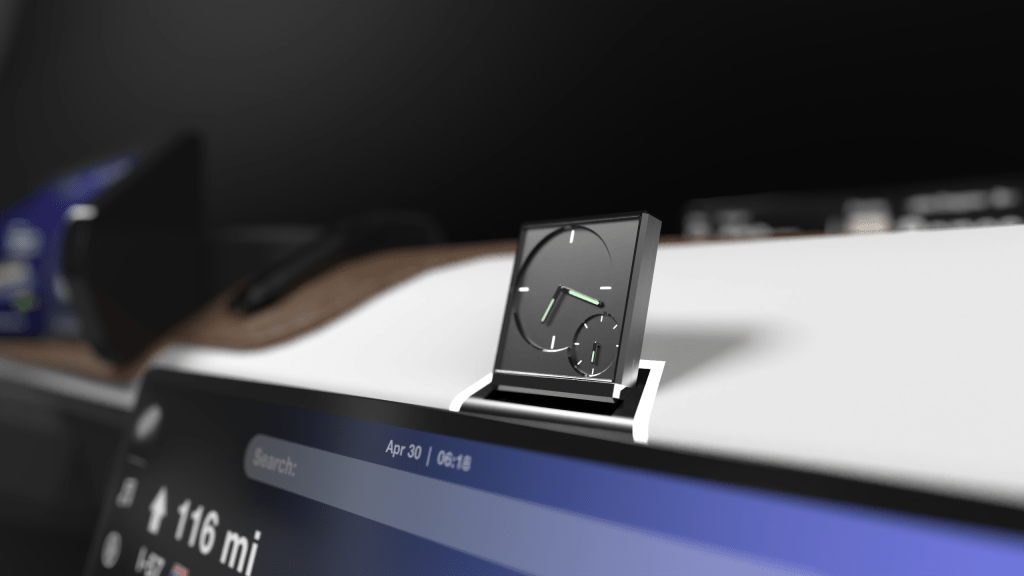
Finally, A Clock
The physical clock brings the reminiscent of physicality.
Read More
The clock shows the time, and exhibits the acceleration force (G force) though a secondary dial plate. Considering torque, or the acceleration, is one thing electric car hugely outperforms most gasoline car, showing the G force of the car adds excitement for driving enthusiasts.
Gallery
 Kuangming Qin